Setting up STUCCO |
  
|
Setting up STUCCO |
|
Run STUCCO from the Utilities Menu

STUCCO Screen
Click on Setup Guide
Tab 1. Details
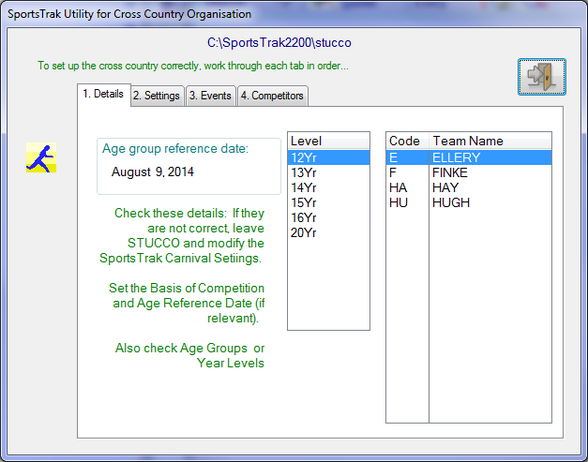
Check Age Groups and Teams
If these are not correct, edit them in SportsTrak.
Tab 2. Settings
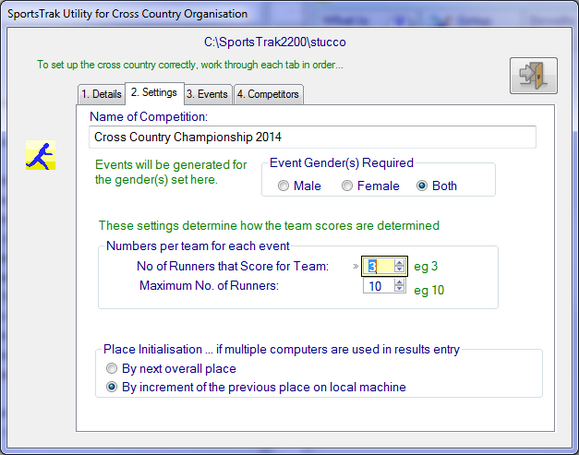
Settings
Edit these details to suit yourself
Tab 3. Events
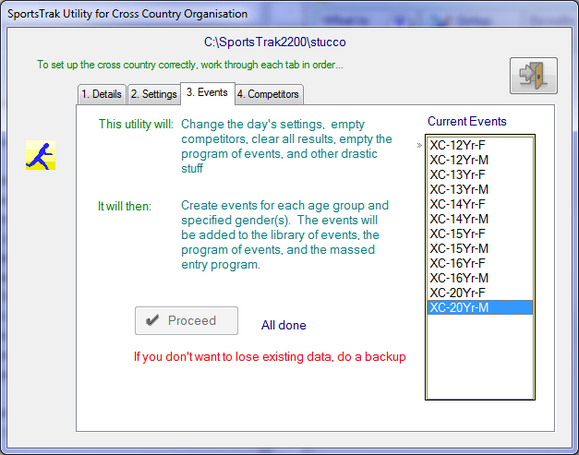
Generate the events
Click Proceed after reading the screen.
It will generate an event for each age group-gender combination. You have no choice over the event names and they do not show in the main SportsTrak program of events
Tab 4. Competitors
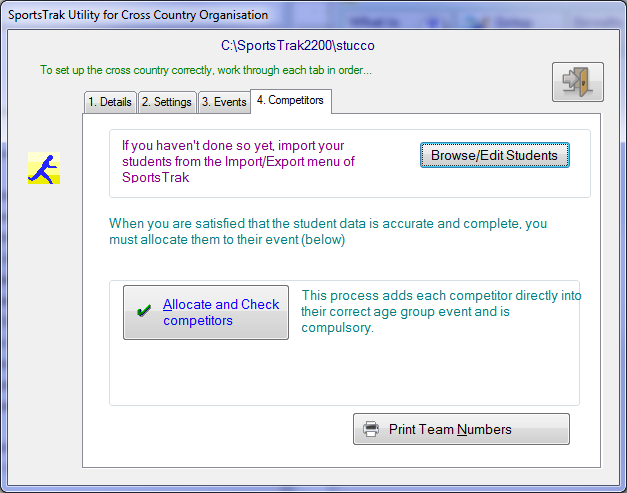
Add competitors
Click Allocate and Check Competitors after you know the student data is correct.
Any time the student list changes, repeat this step. It adds any new kids or deletes departed kids without affecting existing data.