NetBookIt! is easy to set up and operate.
Users may make bookings through their browser so Mac or other platforms
are not disadvantaged.
Intranet or Internet enabled (if web access is provided)
Existing users will require no special training because it works very
much like the Windows version.
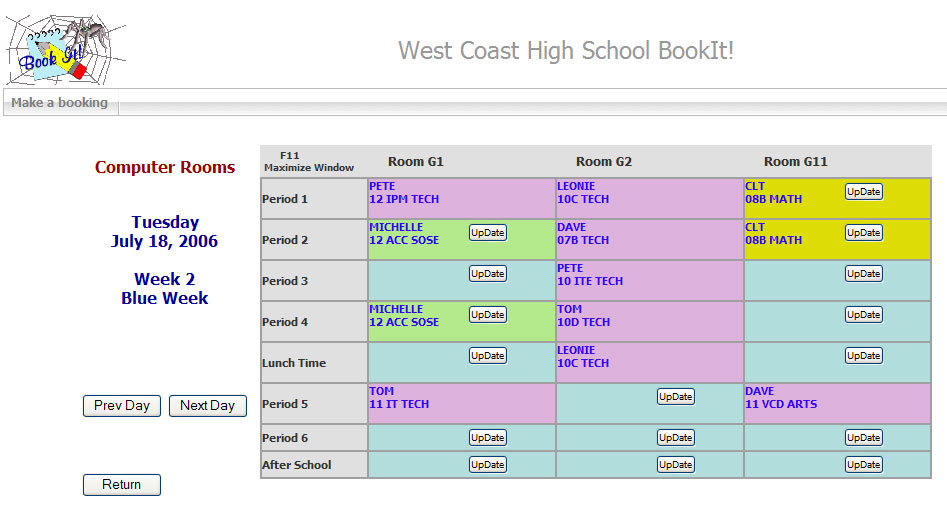
The web interface provides nearly the same Daily View (above) or Weekly
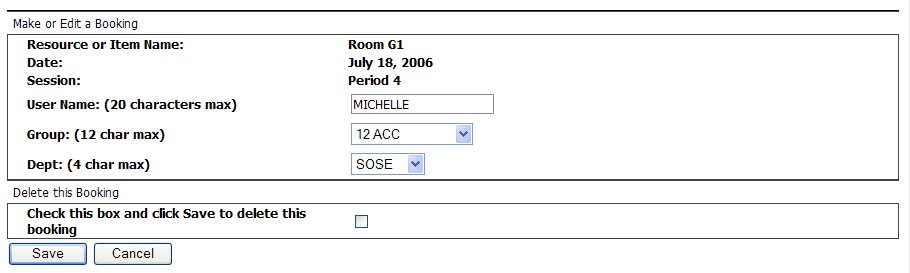
View as the Windows version. Click on the update button to make a booking.
If an item can't be booked (eg timetabled or the date is too far ahead)
then no button is present on the cell.
How is it configured?
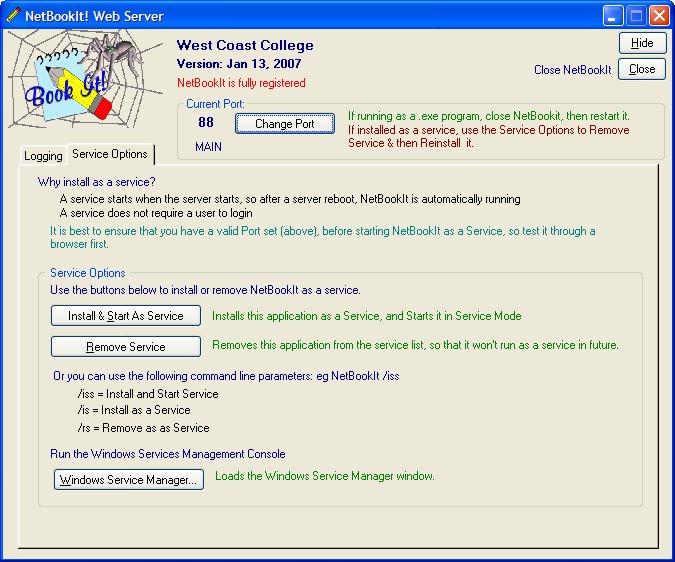
NetBookIt is a web server program that runs on any
Windows server on a selected port. It may be installed as a Windows
Service.
Place a link on the intranet to the server and port in this format:
IP based: 10.74.21.19:88 or URL based: wchs.vic.edu.au:88
Advantages of NetBookIt!
Data is more secure because the web server directly
manages the data, and it cannot be corrupted by a broken network connection.
Access to BookIt! is via one hyperlink: Desktop shortcuts are not necessary
for users.
Performance: Very much faster because minimal data is transferred to
the browser.
This page refers to NetBookIt for BookIt 2.6, since superseded by NetBookIt 3