| Changes from ST2100 | Downloads | Pricing |
|
SportsTrak 3000 |
| Overview of Features - Page not fully updated yet |
This list is not definitive. For a fuller appreciation, download from here and test the installation without obligation.
SportsTrak runs InterHouse , InterSchool, Zone Athletics or Swimming Carnivals or Cross Country Events
It is an interactive database of students, teams, events, and scoring system woven into a well structured package offering flexibility, versatility, and reliability.
- Operating System: any Windows 64bit System
- Hard Disk Space required: around 100 MB
- Internet required to authorise the program for yourc school
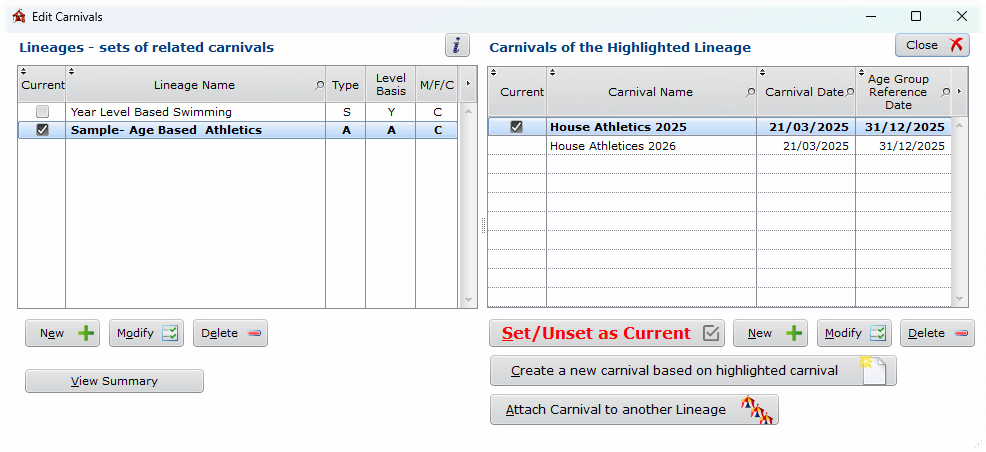
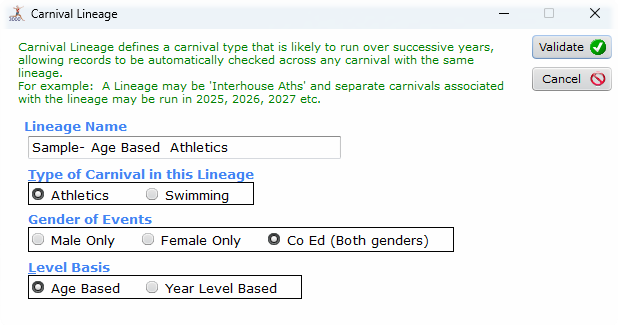
You organise your carnivals in Lineages. Lineages are sequences of carnivals where records from one carnival apply directly to next year's. Typically this would include Inter-House Athletics 2026, then another carnival, Inter-House Athletics 2027, progressively. Another lineage might be the Inter-house Swimming, Another the Inter-School Athletics from year to year.
You set a particular carnival to be Current.
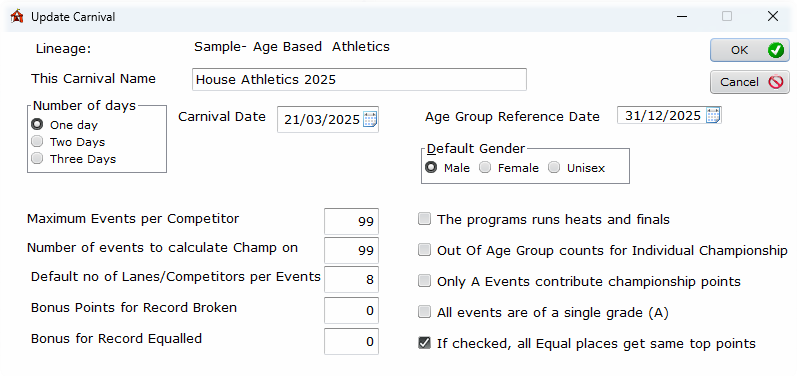
Everything else in SportsTrak relates only to that one carnival. From the Carnivals window you can easily switch between carnivals.
Working with a Carnival
The menu is organised so you mostly work from left to right. Menus 2, 3 and 4 set up the program with student listing, the program itself, and any pre-entering of competitors. Menu 7 allows a range of imports including from previous SportsTrak 2200. Menu 6 relates to either Trials or Cross Country where results get entered directly on a competitors over place or time.
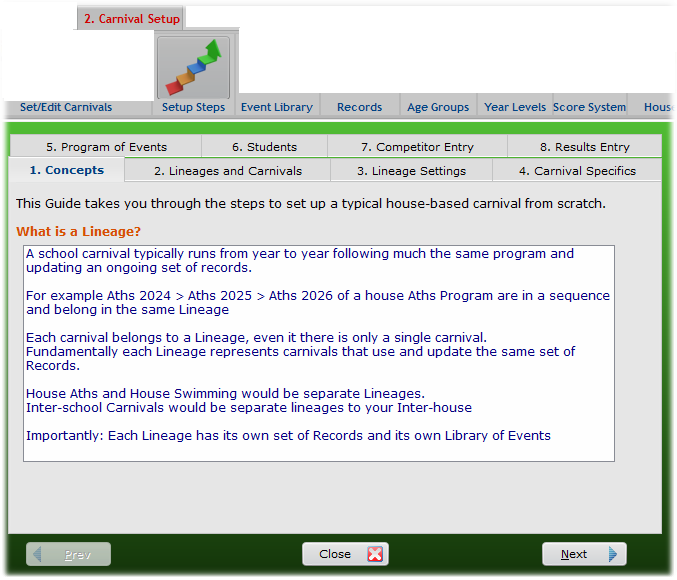
Additionally a step by step guide is provided. This has a sequence of numbered tabs. Follow these to get a brief outline plus the button to get to that function.
Student data is able to be imported from a text file with data from a student database or can be manually entered. A student's Age Group is automatically determined, based on a date set by the coordinator. If Year level data is entered then students may be promoted at end of year.
Unlimited number of teams or houses.
Highly configurable
The Lineage sets the options below that then apply to ALL canivals within that lineage.
Carnival settings can vary from year to year
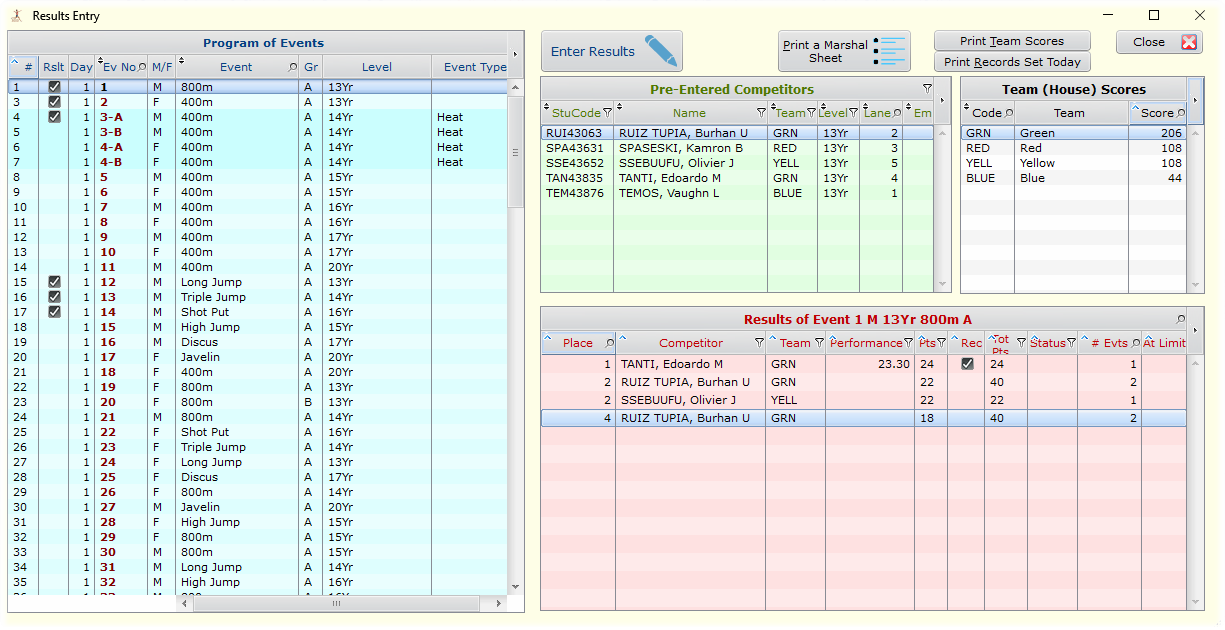
Comprehensive Results Entry Window
A carnival is based on either Age Groups or Year Levels.
- Up to 18 Age Groups or Year Levels
- Year Levels can be: Bubs, Yr00, Yr01... Yr13
- Age Groups can be 03Yr to 20Yr.
Scoring for individual events can be:
- Normal where 1st place = 20 points (for example), 2nd place = 16 pts etc
- Standards e.g. High Jump scores 5 points for 1.3 m, 6pts for 1.4m, etc. regardless of place
- Points e.g. Cork Scramble, with points based on degree of success
Usually, the entire program is based predominantly on Normal or Standards, but they can be mixed.
Normal Scoring can be based on up to 26 Grades e.g.:
- A Individual Events: 1st =20pts, 2nd = 16pts, …
- A Team Events: 1st =40pts…
- B Individual Events: 1st=10pts,….
- B Team Events: 1st =20pts…
Points accrued go to Teams and to the Individuals, thus determining Team and Individual Championships and placings.
Scoring system may be changed and all scores recalculated any time during or after carnival.
You may print Team (House) scores for grouped ages or year levels. For example, if you may need a Junior House Championship based on all 12Yr and 13Yr scores of both Genders.
Automatic or Manual Sorting of placings. Results may be recorded by entering competitors' performances and having SportsTrak sort them into placings. Sorting can be automatic or on demand. Alternatively, places and as few or as many performances as you consider important may be recorded.
A library of event types is provided and which can be edited and supplemented
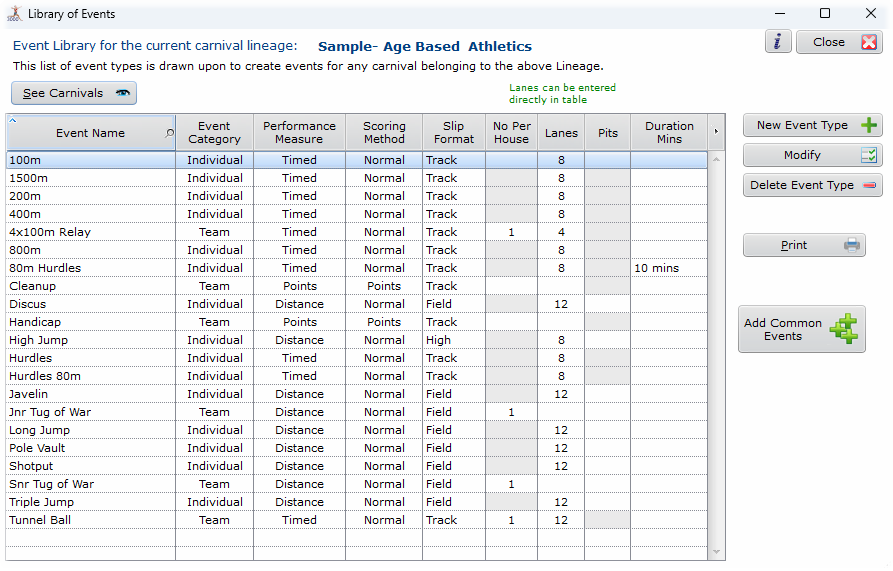
Each event on the program is composed by selecting from lookup tables of
- Event Type
- Lower and Higher Age Group
- Gender
- Specific ordinary event or heat or final
- Set Time
- Other information such as location (e.g. Pit 3), equipment (e.g. Shot weight 1250g)
example
- Event Number 1
- Discus
- 17Yr to 20Yr
- Male
- Scoring Grade A
- Day 1, 2.00PM
- OPEN
- Ordinary Event
- Pit 2, 1250g shot
Lanes may be specified for all teams in all events. Lanes can be set fixed or rotating for any number of events and manually over-ridden.
Final Types can be:
- A - The final stores all heat results and processes them all based on their heat times.
- B - Best N from each Team progress to Final
- C - Best N from each heat e.g. best 2 per heat will progress
- D - Best N from all heats e.g. Best 8 from all the heats
(where N is a number specified during event entry e.g. 2 per Team)
Finalists can be seeded into lanes based on team Lanes or in a VEE formation with best heat result in Lane 5, etc.
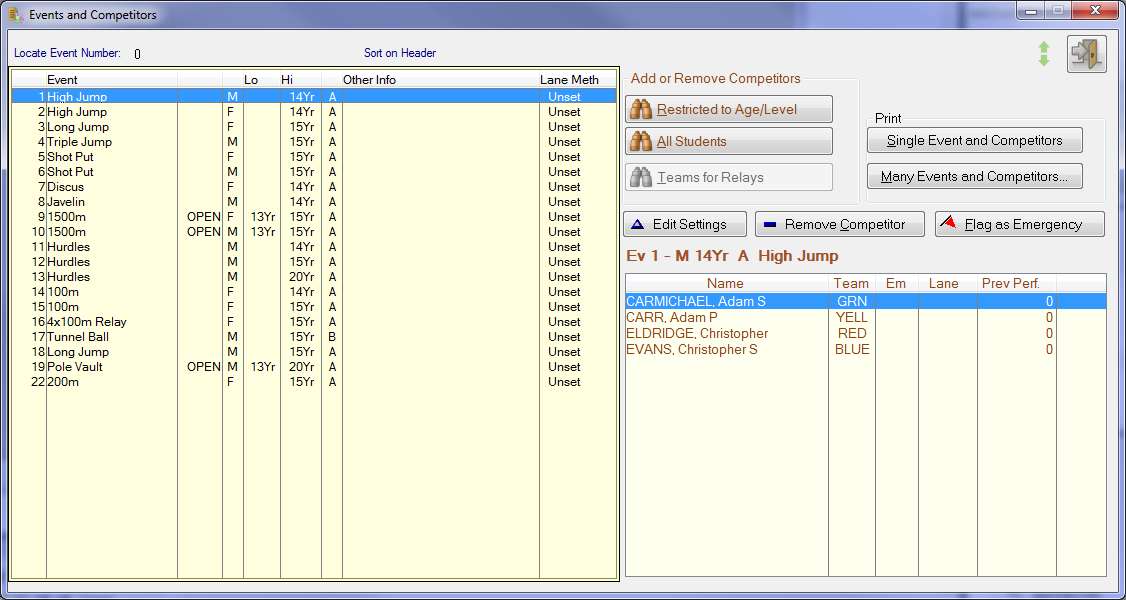
Competitors may be pre-entered into events, for printing on program and marshalling slips.
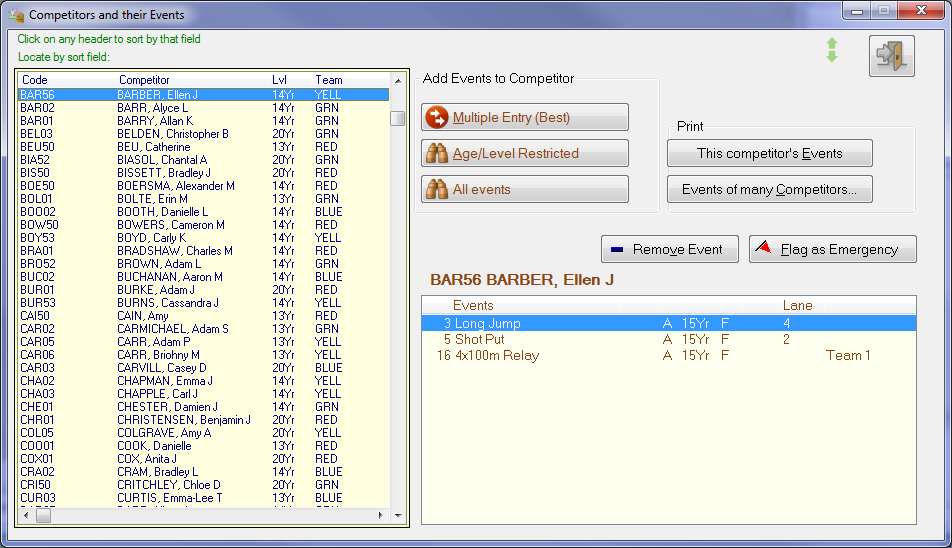
Add Events to each competitor
Below here not updated for SportsTrak 3000. Info is mostly correct but images are ST2200
or Add Competitors to Events
Team Members can be entered in Relays for printing on a specific Relay Members Report.
Historic data
- Records are maintained and automatically checked and updated
- Level Champions and Runners Up are determined and stored
- Team Results can be saved.
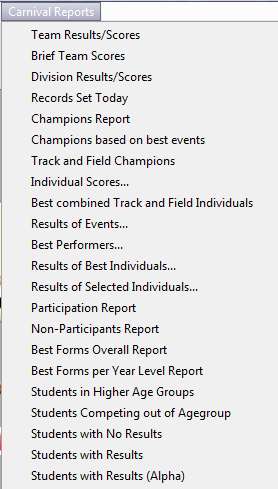
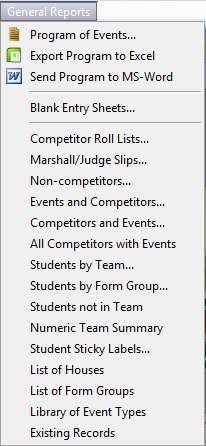
Extensive range of reports - All Reports print to paper, screen, disk, text, .pdf or .html
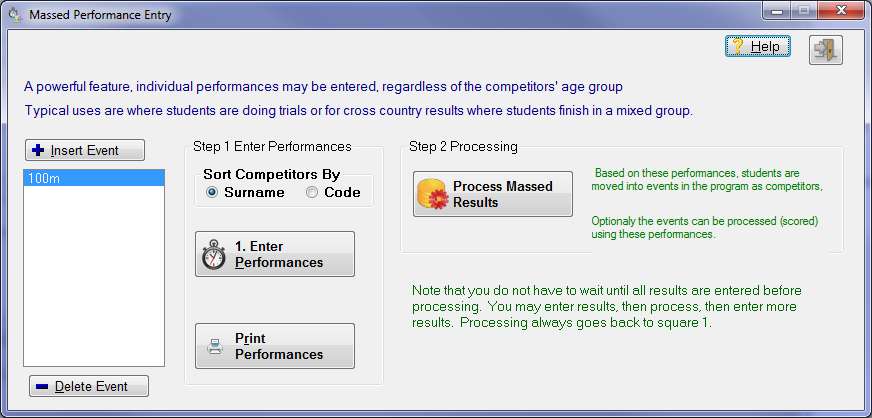
Massed entry mode for Trials and Cross-Country allows all students to have a performance recorded for them in any number of event types, without having to call up an event number.
- For Cross Country: Enter in each student's time, then process them into a pre-set program of events with an event for each Age and Gender. The events are all processed automatically
- For Trials: Print students performances. SportsTrak can seed competitors into the program based on their trial results
Fully networkable for competitor pre-entry or during results entry using multiple computers - Spread the workload over multiple computers working separately or network them
Import/Export Program of Events to Excel
Export Students to text file or Excel
Export best performing competitors for import into another carnival, e.g. export best performers from a House carnival, and import them into an Inter-School program, into the appropriate events.
Archive feature allows whole carnivals, or partially set-up carnivals to be saved and retrieved.
Integrated Help, Web Help and .pdf Manual