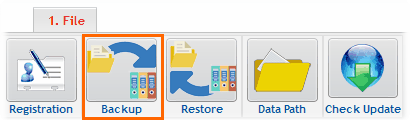
The backup button under the File menu
Backups are done from the window shown below.
The backup saves the Current Carnival along with its Lineage.
SportsTrak3000 does not save multiple carnivals.
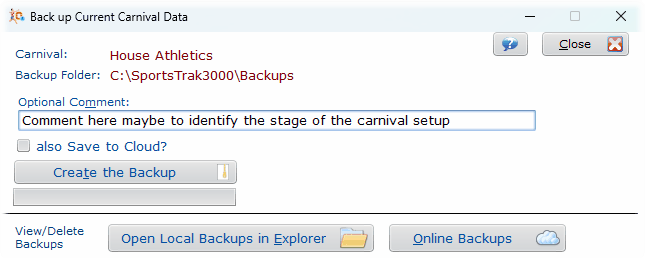
Backup window with option for cloud storage
The Backup saves all carnival files as a compressed zip file saved into the backups sub-folder of SportsTrak3000.
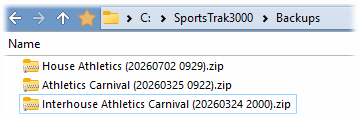
Viewed in Windows File Explorer

Check Box Save To Cloud will send the backup file to on-line storage, if you have internet connection to the computer
This means that the backup can be retrieved by another copy of SportsTrak on another computer (that has the same Authorisation code)
The same carnival can be backed up multiple times, and the backup includes a data and time of backup in the file name.
Note the date in YYYYMMDD format and the time 0936 and 0929 in the file names.
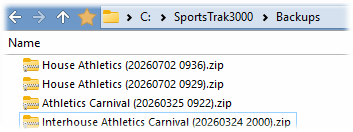
The same carnival saved at a different time
Use the buttons below to see the backups. The local backups are seen with Windows File Explorer. On-Line backups are seen in a table.
Typically you need to delete backups from time to time and you can do it here

Buttons for viewing backups