Import/Export features allow data to be transferred from different systems such as older SportsTrak, timing systems, and admin systems and to/from applications such as Excel for editing.
Import Students typically gets used for every carnival. There is no way you are going to manually enter hundreds of students.
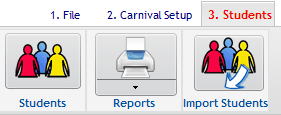
It is located on the Student menu:
Importing Competitors is not for everyone, but is provided from the Program and Competitors menu and is described here.
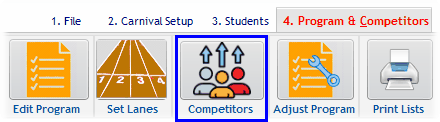
Competitor entry options are here
Other exports are found on Menu 7 Import/Export
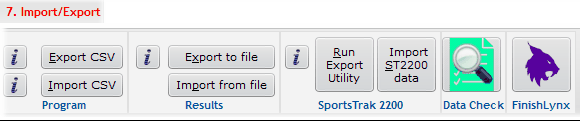
The Import/Export Menu
Exporting and importing the program can be useful for massively altering a program of events. Described here.
Results Import/Export is used when results are entered on another computer and must be transferred to the main computer.
Importing from SportsTrak 2200 is important for those who have existing carnivals set up in that version of SportsTrak. Described here.
Most of SportsTrak's Import and Export is performed with CSV files. See this section if you are not sure about what CSV files are.
CSV files can be created by any Administration export software and are saved as plain text, so you do not require specialist software to edit them