Overview
The mobile interface allows you to enter results via mobile devices such as iPads.
You require the SportsTrak 3000 Mobile App from Apple App Store or Google Play Store
From SportsTrak you upload the event data to our server, with which the App can communicate.
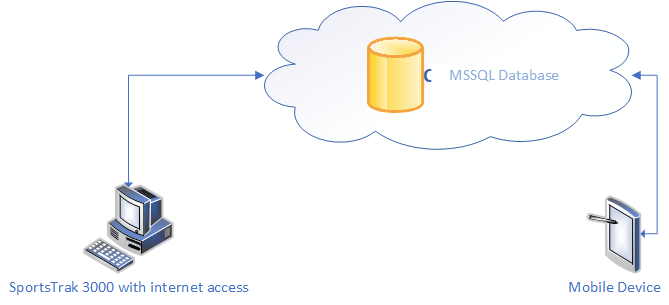
Link via the internet
How it works
The Program of Events is set up on your PC with the Windows SportsTrak, preferably with Competitors pre-entered. (Competitors can be entered from the app, but it is easier on the PC)
The carnival is then uploaded to our cloud server. With other carnivals also present, this carnival is uniquely identified by the QR code created on the PC . The data is encrypted in transit and in storage so there can be no concerns about student privacy.
The SportsTrak 3000 Mobile app
1. Downloads the carnival data. The device then holds the carnival details, events, students and competitors. There is no limit to the number of devices used.
2. Enter results. At this stage they are stored only on the app device.
3. When convenient, results are uploaded to the cloud server. This can be at any time
Windows SportsTrak reads the cloud data and downloads results.
All SportsTrak Windows functions are via the Mobile Menu
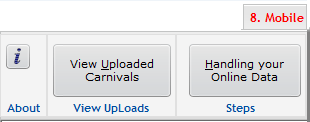
Mobile Menu