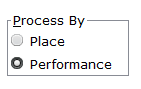
Check the appropriate options:
|
Depending upon whether competitors were given just a place or whether they were given a performance result. For trials, it is usual that a Performance is the key item, whereas for cross-country in may be just Place |
|
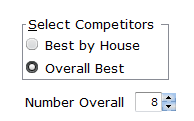
Best by House might be what you choose if you are trialling for an upcoming house carnival. Overall best might be if you are processing Cross Country Results. In this case overall best may be set at 99 to get everyone in each age group. |
|
You may have A and B events of the same type and the same Gender and Age/Year. If A events precede B events, then tick this option as Earlier, otherwise Later |
|
|
If this is checked, then processing: •adds competitors to each event •takes their performance (or place) as an actual result •scores the event If not checked, competitors are just placed as competitors in their matching event. |


then click Process the Trials
The process sorts all student by performance then looks for the related events on the program regardless of the grade. It fills the events with the best performers of the correct gender and level and scores them if that option was selected.
If you add later results via Massed Entry, you can re-process, which strips out results and competitors from those events first.
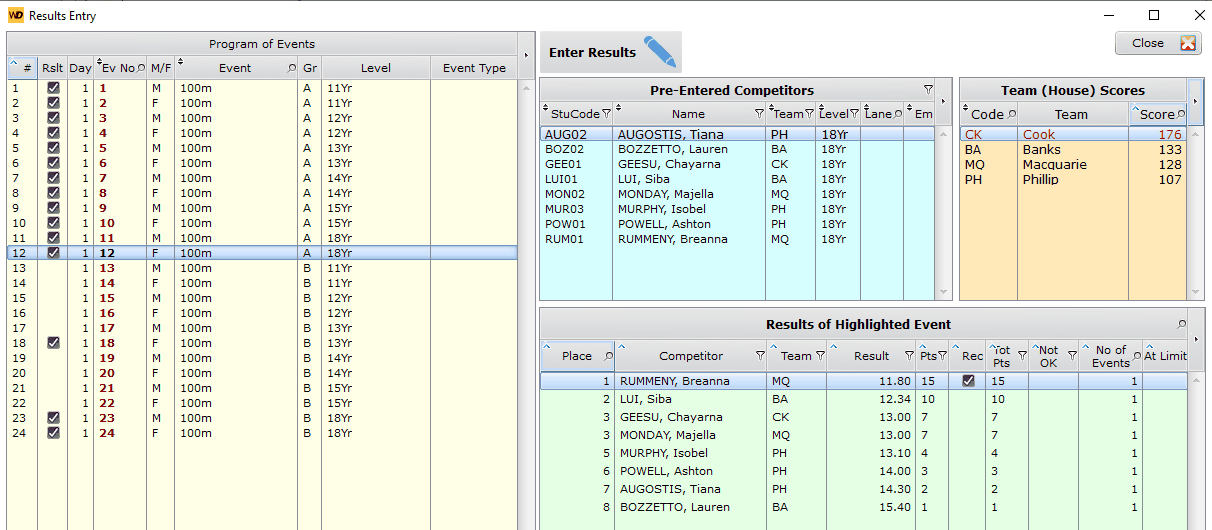
After Processing, go to the Carnival Day menu and examine the results of the processing
This example shows how 8 competitors have gone into the A events, but there is an overflow of some age groups into B events.