Before anything, determine where your Lynx folder will be and whether the Finish Lynx computer has access to it or not.
The folder can be anywhere convenient, maybe a sub-folder of SportsTrak or in the Temp folder as shown in the screen shots below.
If Lynx cannot read/write from that folder then the files can be transferred via a memory stick. LIF files created by lynx should then be copied from the stick into that folder.
From here:
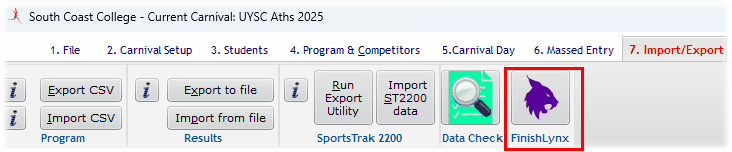
Go to:
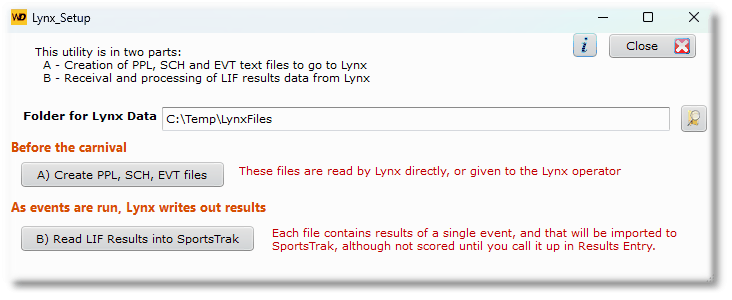
The Lynx Utility
A) Creating the Data
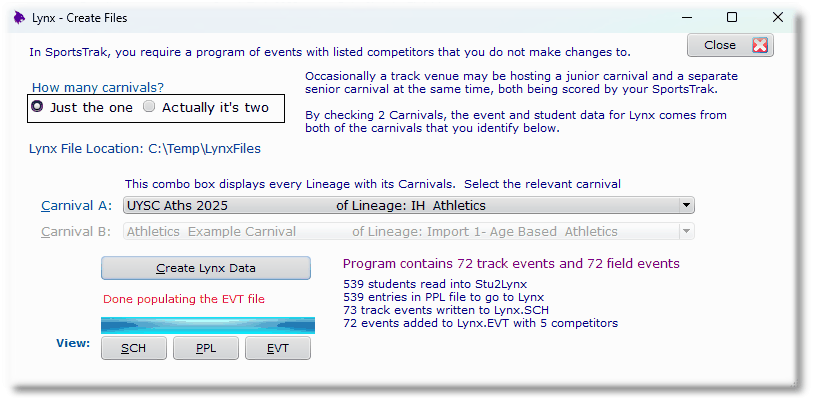
After selecting the carnival and pressing the Create button
The files can be viewed from the buttons above or viewed in Notepad:
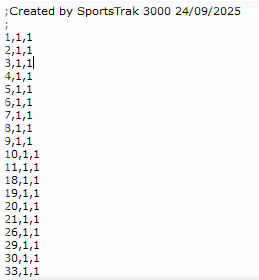
Viewing the SCH file
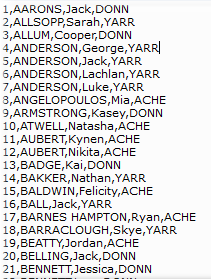
Viewing the SCH file
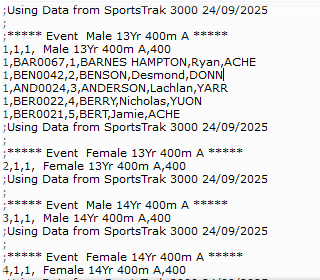
Viewing the EVT Data