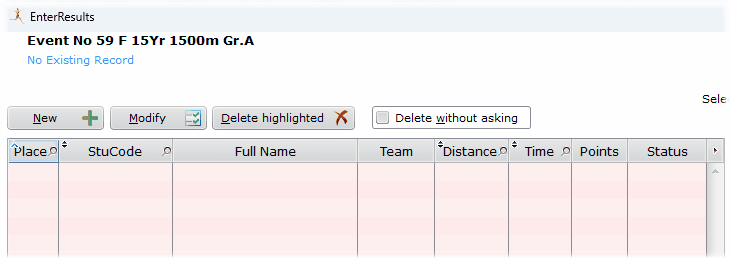
No pre-entered competitors
Often, finishers in the event is not pre-entered, so you need to add them to the results. In this case you need to select them from a list.
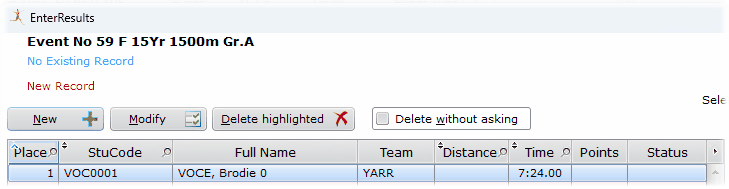
Let's say I am after Brodie Voce for first place above.
Click New
You are immediately sent to a look up table of eligible students.
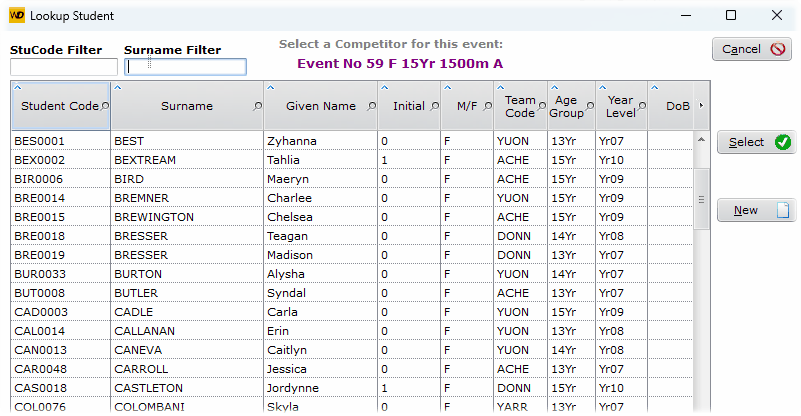
Showing all female 15Yr or less
Enter VOC in the Surname Filter
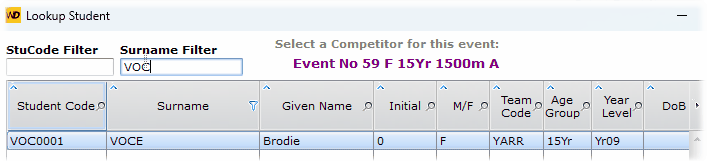
The table displays matching students
Press the Enter key
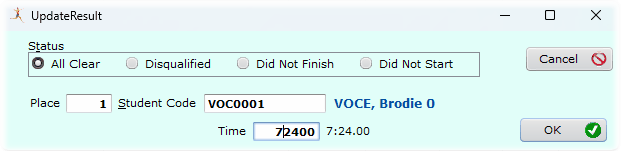
Given the next available place
The student is entered into the next logical place and you may enter the performance.
Getting Stuck with the Lookup Table
If your cursor is on <new> and you change your mind about adding a competitor, the Cancel button doesn't work because the look up table takes over, and keeps popping up.
Press <ESC> to close the windows.