SportsTrak 2200 has a different data folder for each carnival. You must know where they are before you can import them.
(SportsTrak 3300 keeps all its data in a single folder)
In the example below, I am importing the sample data from the SportsTrak 2200 SampData folder

Click here to run the ST2200 Export Utility
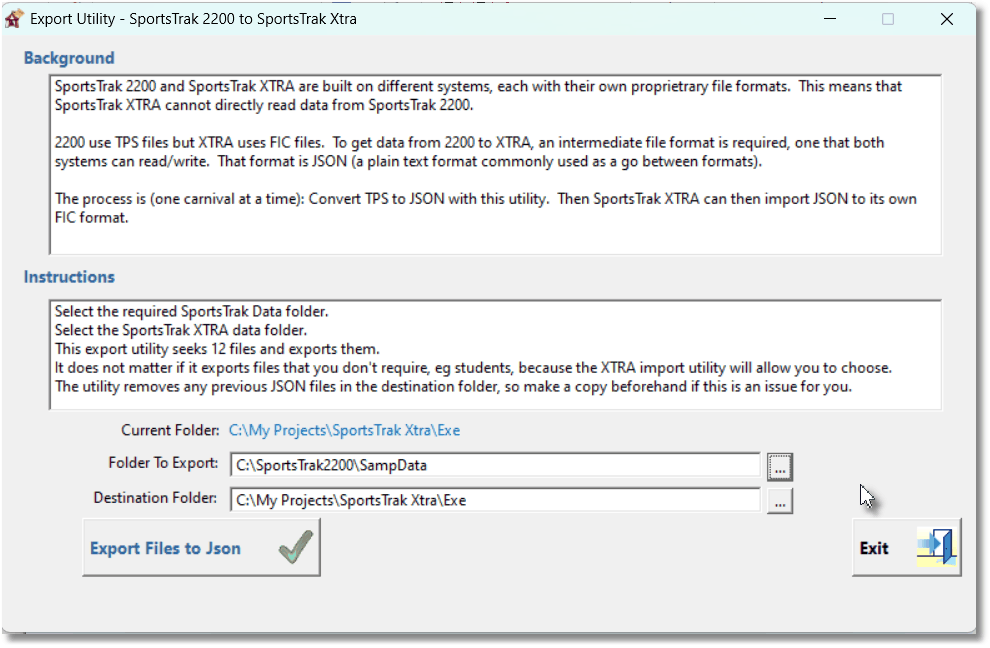
Select the appropriate folders then click the Export to JSON button
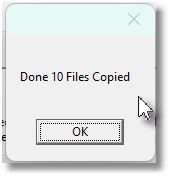
The number of file generated varies. For example you may have a carnival program only without students, or without results etc. You can only export one carnival at a time, so go to Step 2, the Import, after this. |
|