Uploading for Competitor Entry
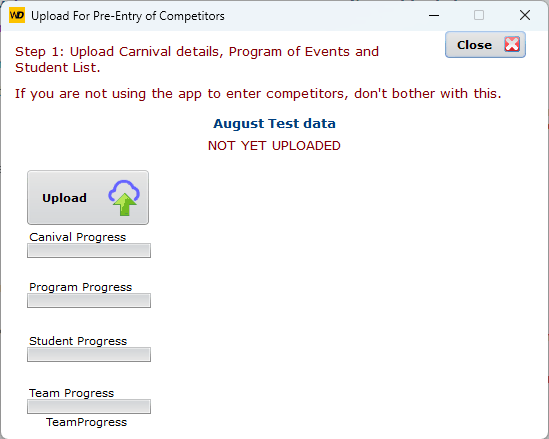
Upload the Carnival Data
NOT YET UPLOADED. The window first checks whether that carnival is already up.
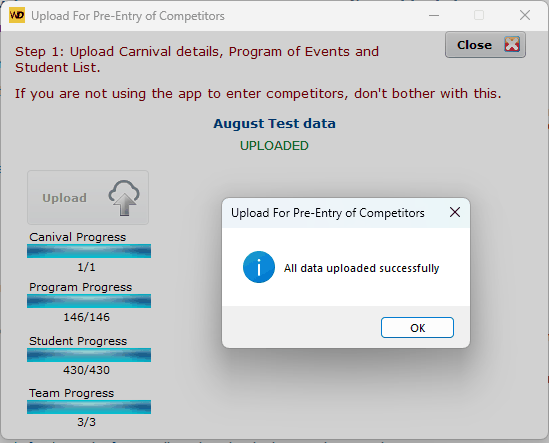
Successful upload
If the green message says you cannot upload this carnival because it is already uploaded, go to the View button and Delete that carnival.
Once upload users can enter competitors on the app, upload them to the server, and then SportsTrak can download them.
Uploading for Results Entry
If your staff have added competitors using the app...
- download them
- delete the upload before this step.
The results upload sends up a fresh copy of the program, student list and competitors.
You do not need to have done steps 1 and 2. You can just start with Step 3 if that suits.
Users who have already scanned the QR code and done Competitor Entry
If app users have already connected to this carnival for competitor entry, they do not need to scan the QR code again.
They can go to Data Management on the app and Enable Results Entry. This will force a refresh of all the carnival data and enable results entry
Users who have not already scanned the QR code
Must Scan the QR code using the app, and download the fresh data.