From Download Results on the Online Stages window.
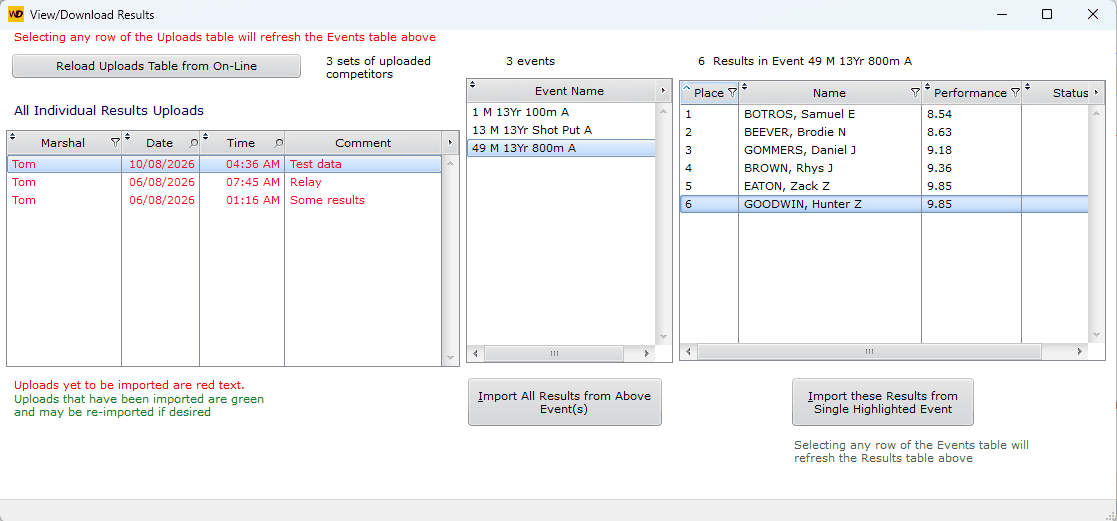
Downloading Results Window
The left hand table displays a summary line of every app users' uploads with a possible comment.
For example, the highlighted line Tom, Test data, uploaded 3 events. Event 49 has the 6 placegetters shown in the right hand table
Selecting a different event would display its results.
You have choice of Importing All or just the results of the highlighted event.
The import takes all those results and totally replaces all existing results for that event.
The event is scored, records are checked, and team scores are uploaded to the server.