The first screen shot below explains the basic rules you must follow. They are also listed here on this page.
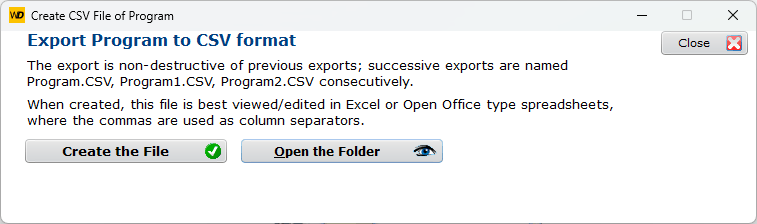
After Creating the File, you may Open the Folder and load the CSV, usually in Excel:
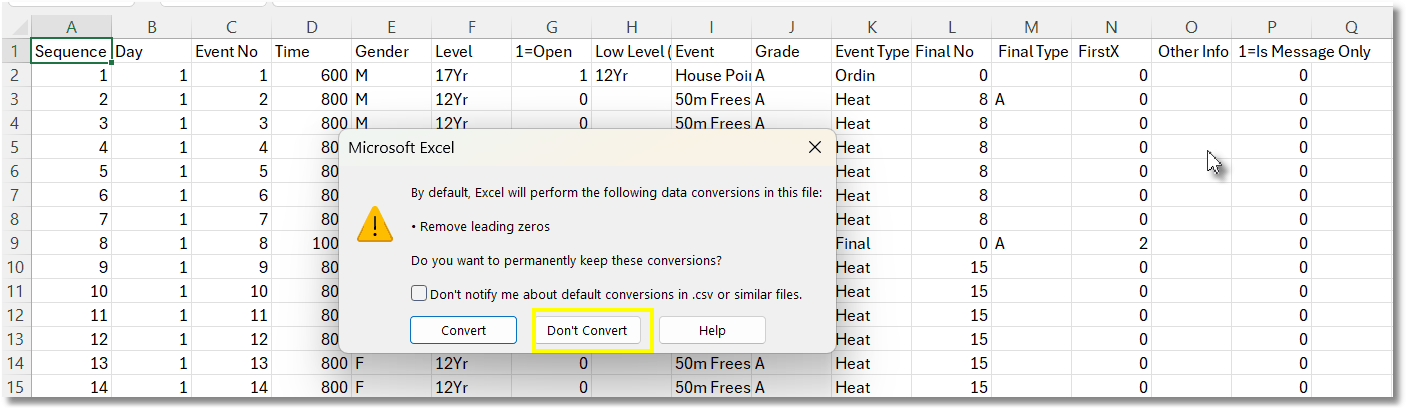
Rules for editing the data
If Excel prompts about Leading Zeros, it does not matter what you choose
Moving rows up or down is generally safe, but do not move columns
Sequence Number
Each entry in the program must have a unique Sequence Number, usually beginning 1, 2, 3....
Event Numbers
Event numbers are often the same as the Sequence Number, but do not have to be.
Event Numbers may include text. For example 3A, 3B, 3C may be separate heats with visually connected Event Numbers
Messages
Column P must be set to 1, so the program knows it is a message and not an event.
A message's event number must be unique in the format Msg1, Msg2, etc.
A message must have a Sequence Number to locate its position within the program
The message is written in Col O, Other Info
Event Types
Event Types are usually Ordin (ordinary) but can be Heat, SemiF, QtrF, or Final.
Heat, SemiF and QtrF must have a Final No, which is the Event Number of the final.
For Finals and related events it is best to import the program and edit the details of the final, such as Final Type, from within SportsTrak.