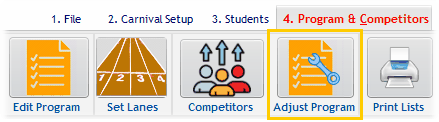
From the Adjust Program button:
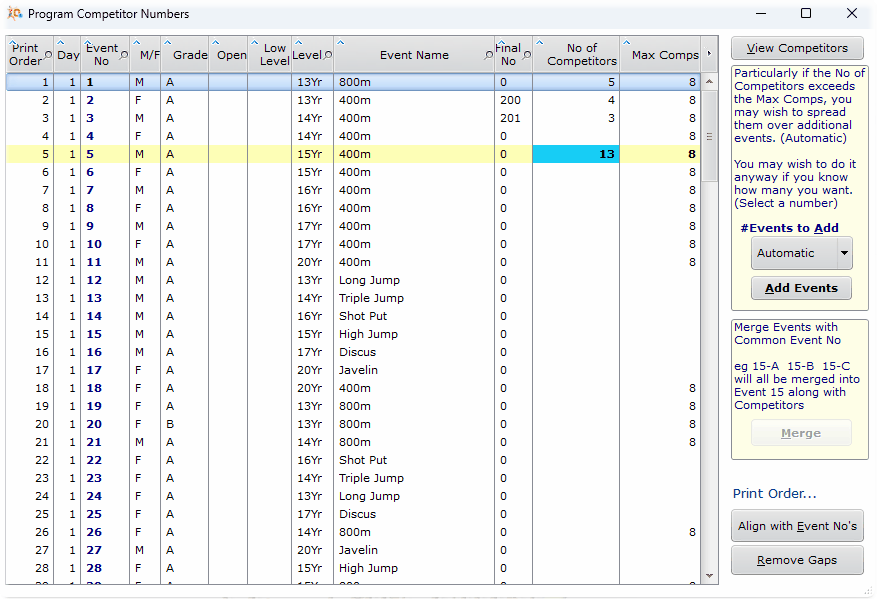
This utility displays the competitor numbers as well as the maximum expected.
(The expected number is set in the Library of Events for the particular event type. In this example I have just been into the Event Library and set 400m and 800m to 8 competitors.)
Overloaded events have a yellow background.
Event 5 has 13 entrants with 8 being allowed, so we need to add an extra event.
Refining the program based on numbers of competitors
It seems Event 30 requires more heats, so with it highlighted, I can click Add Events (using Automatic). Note you need to have that event highlighted in the table.
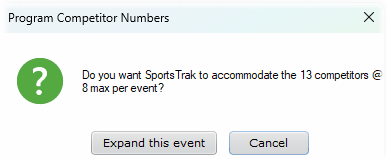
Confirmation required
Expand this event spreads the competitors of Event 5 over the required number of events, now labelled 5-A, 5-B.

After expanding Event 5
Merge Events
Highlight any of the heats within a related group, eg 5-B and click Merge to bring them back together.
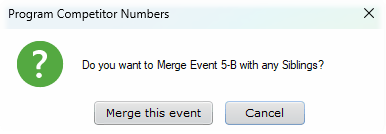

After merging the 2 events
This also merges the competitor lists for those events.
Expanding Events without known competitors
You may know that an event will be over-subscribed without knowing exactly how many competitors are likely to be in it.
You may simply add some additional events to accommodate them. Even if you add too many, it is no big deal. They can be ignored for results entry
Use the #Events to Add button and change it from automatic to a number, in this example, 3.

Click Add Events
Note I have 4 events because the button says to Add 3
